
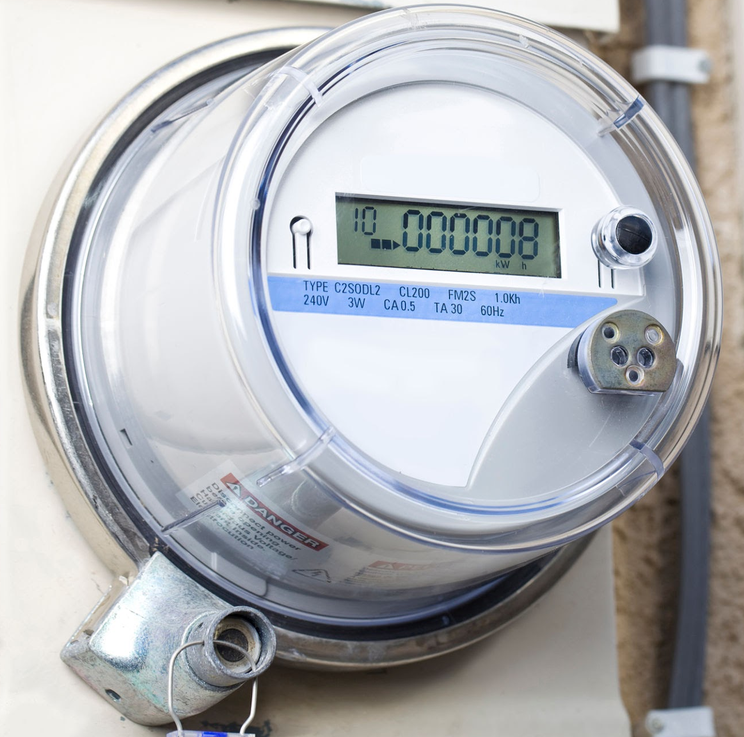
If you only evaluate your electricity consumption when your monthly bill arrives, you are looking entirely in the rearview mirror. Across deregulated Texas, digital smart meters continuously log home electricity usage in precise 15-minute intervals.
By registering on Smart Meter Texas (SMT)—the central web portal authorized by the Public Utility Commission of Texas (PUCT) and jointly operated by major Transmission and Distribution Utilities (TDUs)—you can track daily energy habits, catch appliance drains early, and pick the optimal electricity plan for your household.
What Is Smart Meter Texas (SMT)?
Smart Meter Texas is a free, secure web application that stores automated meter reading (AMR) data collected directly from digital electric meters across Texas TDU service areas (Oncor, CenterPoint Energy, AEP Texas, and TNMP).
Regardless of which Retail Electric Provider (REP) issues your monthly bill, your physical meter is owned and managed by your local TDU. Your TDU uploads detailed kWh consumption logs to SMT every 24 hours.
How to Create Your Free Account
Setting up access on Smart Meter Texas takes less than five minutes. You will need two pieces of information located directly on your electric bill:
- ESID (Electric Service Identifier): A unique 17- to 22-digit identifier tied to your physical property address.
- Meter Serial Number: The specific serial number printed on your physical digital meter faceplate (and listed under meter details on your bill).
Pro Tip: Ensure your full name and account service address match the exact formatting listed on your monthly electric billing statement to avoid registration verification delays.
3 Practical Ways to Lower Your Bill Using SMT Data
Once registered, you can view hourly breakdown graphs or download detailed CSV reports containing 15-minute usage logs. Here is how to put that data to work:
1. Pinpoint HVAC and AC Power Spikes
Heating and air conditioning account for over 50% of typical Texas residential electricity usage. By comparing daily temperature spikes against your 15-minute SMT logs, you can determine whether turning your thermostat up 2°F during peak afternoon hours yields noticeable energy savings.
2. Audit Time-of-Use (TOU) and Free-Nights Plans
Thinking about switching to a Time-of-Use (TOU) or Free-Nights plan? Download your past 30 days of 15-minute interval data. If less than 35%–40% of your total kilowatt-hour usage occurs during the designated "free" or discounted window, a standard fixed-rate plan will almost always save you more money overall.
3. Uncover Unnoticed "Phantom" Loads
Check your usage graphs between 2:00 AM and 5:00 AM while your household is sleeping. If your baseline remains surprisingly high, you may have continuous energy drains—such as an aging garage refrigerator, a misconfigured pool pump, or an HVAC unit cycling inefficiently.
Sharing Data with Energy Consultants
Smart Meter Texas allows you to grant secure, limited-time access to independent energy consultants or prospective providers. Having an exact 12-month usage profile ensures you receive accurate plan recommendations based on actual historical consumption rather than rough square-footage estimates.